Get Sarathi for Windows
Install it from the Microsoft Store. The Store checks the app, installs it, and keeps it up to date for you.
Get it fromMicrosoft Store- Works on
- Windows 11, or Windows 10 version 2004 or later (64-bit)
- You need
- An internet connection and a Sarathi plan
- Mac and Linux
- Not available yet
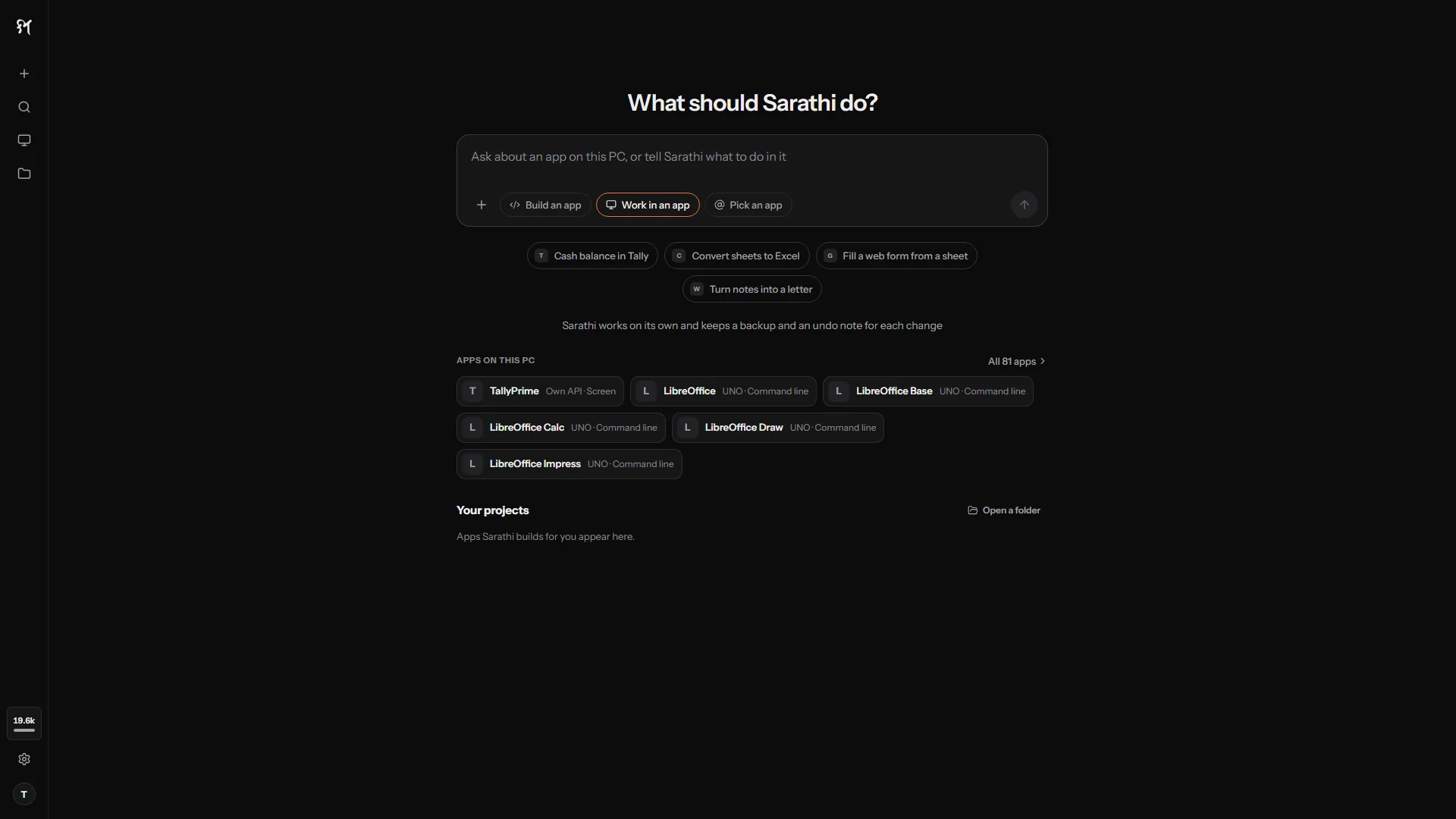
After you install
- 1
Open Sarathi and sign in
Your browser opens. Sign in with Google, GitHub or email, then click Allow. There is no code to copy.
- 2
Pick a plan
Choose Starter, Pro or Max on the pricing page. AI usage is included.
- 3
Describe your app
Type what you want to build. Sarathi builds it, checks it, and opens it in the preview.
You can see and sign out your devices from your dashboard.